From Figma to Production: Perfecting the Design Handoff
From Figma to Production: Perfecting the Design Handoff
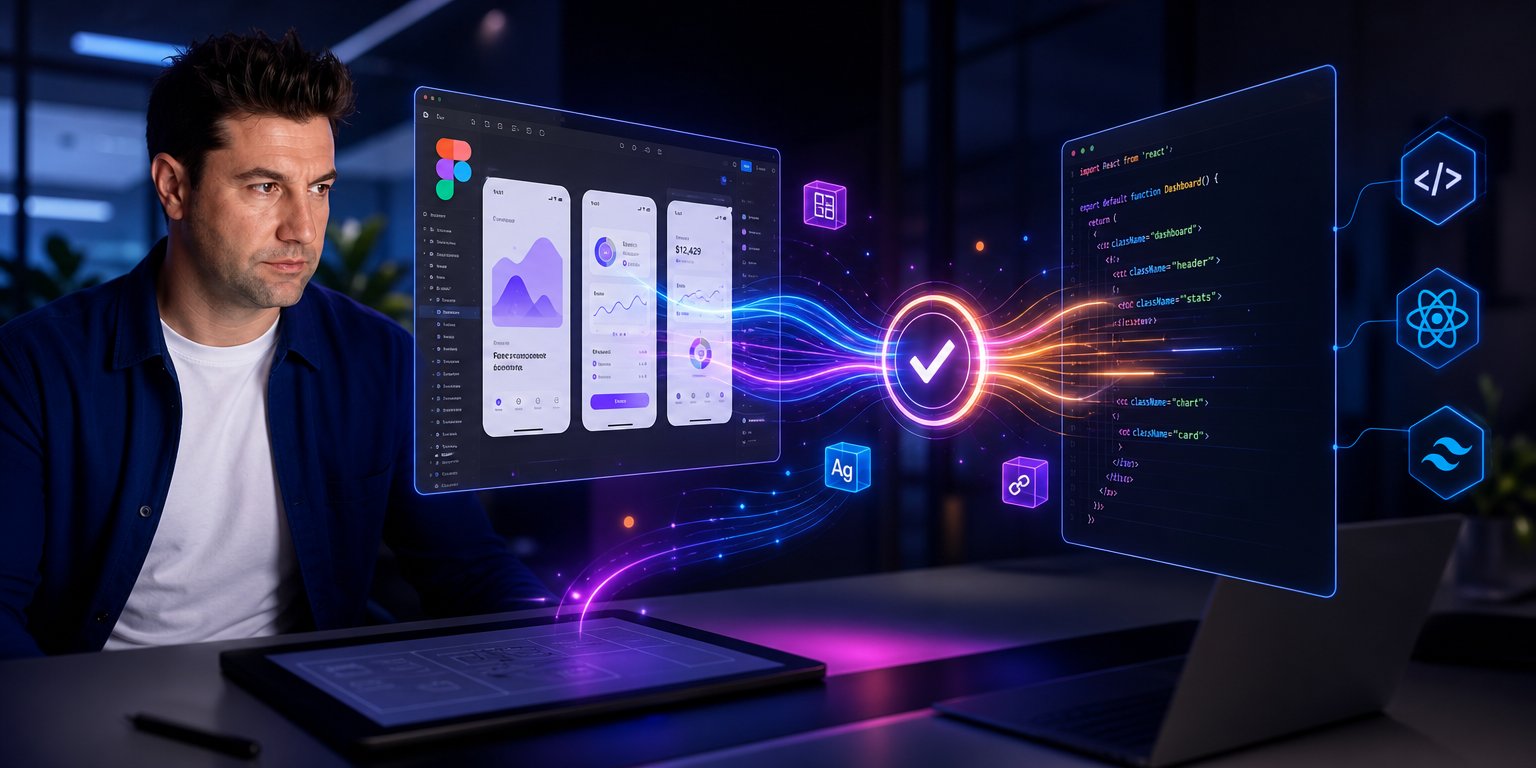
One of the most critical and, unfortunately, most friction-ridden stages of digital product development processes is the Design Handoff moment when the design is handed over to the code. Those minimalist and functional interfaces, adorned with millimeter-precise pixels, that look great on Figma can sometimes become unrecognizable when they go into production. While the micro-interactions or alignments envisioned by the designer get lost in the code world; The software developer can also get lost in the unstructured, ruleless layers and experience a serious cognitive load.
Transforming the design-software handshake into a flawless collaboration directly affects the project’s delivery time and quality. Here are the strategic steps to smooth the Figma-to-live process:
1. Make the Design System the Single Source of Reality
The foundation of a flawless handshake is that the designer and the software developer speak the same language.
Random color codes in Figma (like #3B82F6) or unnamed font sizes sabotage the turnover process.
-
Using Design Tokens: Convert atomic properties such as color, font, padding/margin, and shadow into Design Tokens (Design Variables). When transferring a primary color from Figma to the code world, both sides should call it
color-primary-main. -
Modular Component Kits: Build your designs according to the Atomic Design principle. Every flexible button, input field, or card component you design in Figma must have a counterpart in the developer’s code library (React, Vue, Tailwind, etc.).
2. Optimize Figma Dev Mode Features
Figma’s Dev Mode, offered to developers, has radically changed the handshake process. However, for this mode to convey accurate information to the programmer, the designer needs to correctly configure the Figma file.
-
Auto Layout Usage Required: Instead of drawing static boxes, design the interfaces entirely with Auto Layout. Auto Layout perfectly matches the logic of Flexbox or CSS Grid in the code world. When a developer activates Dev Mode, they can see the padding, margin, and alignment values of elements directly as clean CSS code.
-
Component Properties: Instead of copying a button’s states (Hover, Active, Disabled) side-by-side, use Figma’s variant and property features. The programmer should be able to examine from a single panel how many different modes that button has and how it is triggered under different conditions.
3. Document Flows and Logical States
Programmers don’t just see static screens; they have to understand the logic and flowchart (user flow) behind those screens. The answer to the question “What happens when this button is pressed?” should be clearly stated in the Figma file.
-
Draw Edge Cases: Don’t just design “Happy Path” screens where everything works perfectly. List all scenarios (edge cases) side-by-side, such as Skeleton Screen (Loading screens), Empty State when no search results are found, and form errors.
-
Figma Connector and Notes: Use arrows (Figma Connector) to show connections between screens. Next to complex dashboard or form fields, leave small, technical developer notes explaining the rules according to which that data will be listed.
4. Micro Interactions and Animation
Identify the Interactions
Micro-interactions are the unsung heroes that maximize mobile app retention and user experience.
However, it would be unfair to tell the programmer to code these dynamic moments simply by looking at them.
-
Interaction Details: Define the duration (e.g.,
300ms) and acceleration curve (easing) of a page transition or button animation in Figma’s prototype settings. If possible, provide the developer with working live prototypes of these transitions within Figma.
5. “Handoff” is Not a Moment, but a Continuous Communication Process
The biggest mistake is throwing the Figma link to the developer via Slack after the design is finished and then walking away. A perfect handshake begins at the very beginning of the design.
-
Design Review Meetings: Meet with the developers before starting the design or during the wireframe phase. Discussing what is technically possible and which structures will strain the budget/time early on prevents the design from being cut during the production phase.
-
Asynchronous Communication and Figma Comments: Use Figma’s comment feature as an active discussion area where the programmer gets stuck during the coding process.
Summary: Creating a Shared Production Culture
A successful Design Handoff process is much more than simply converting pixels into code without errors; It builds trust and a shared production culture among teams. When designers understand the logic of the code and design with Auto Layout and Design Tokens, and programmers write the code while remaining true to the aesthetic and functional spirit of the design, the resulting digital product becomes a masterpiece that is both user-friendly and quickly achieves business goals.